Give Codex a thumbs-down once. Catch the repeat before it runs again.
Updated: · by Igor Ganapolsky
ThumbGate wires Codex into local-first feedback memory, MCP tools, and hook enforcement. The launcher resolves thumbgate@latest when Codex starts, so published npm fixes reach your active MCP server after a restart.
$ npx thumbgate init --agent codex
$ npx thumbgate feedback-self-test
# Writes ~/.codex/config.toml and ~/.codex/config.json
# Restart Codex, then confirm ThumbGate is enabled in Plugins or MCP settings
Always-on when enabled
If Codex settings show the thumbgate MCP server toggled on, Codex can call the local ThumbGate tools. Typed feedback still needs useful context before it becomes a durable rule.
Latest runtime on restart
The Codex launcher installs thumbgate@latest into ~/.thumbgate/runtime before running MCP or gate checks. A new npm publish reaches Codex after the app restarts.
Checks before action
Pre-Action Checks evaluate commands, file edits, publishes, merges, and other high-risk actions before execution. Bad repeats are flagged and logged before they burn time or tokens — and hard-blocked for secret exfiltration and guardrail-tampering by default (destructive deletes, force-push, and supply-chain warn by default) or when strict enforcement is enabled.
Codex is becoming a business-work surface. ThumbGate is the action boundary.
Role plugins
Codex plugins bundle skills, apps, and MCP servers. ThumbGate checks role-specific writes before sales, analytics, design, finance, or support agents modify business systems.
Sites deploys
Before a Sites workflow publishes or widens access, ThumbGate can require build proof, intended audience, secret handling, and deployment evidence.
Team Agentic OS
Human-editable docs, agent-operating files, and git backups still need runtime checks. ThumbGate gates protected skills, MCP config, memory scope, and workflow contracts.
Read the Codex role-plugin governance guide · Read the Agentic OS team governance guide · Read cost-aware gate routing
MCP memory, hook checks, and a dashboard lane in the same install path.
Use npx thumbgate init --agent codex when you want the shortest path on this machine. Use the standalone zip only when you need a portable plugin folder for audit, offline handoff, marketplace wiring, or a Codex build that exposes local plugin import.
The Codex launcher checks npm on startup. Restart Codex after a ThumbGate publish to let the MCP server and hook bundle pick up the latest runtime.
Three paths. Same local gateway.
1. Automatic setup
Run npx thumbgate init --agent codex. ThumbGate writes the MCP server block and hook bundle into your Codex config files.
2. Plugin directory
For a true plugin install, use Codex Plugins or a marketplace source. In the Add marketplace dialog, do not keep Codex's default plugins/codex sparse path for this repo; use .agents/plugins/marketplace.json and plugins/codex-profile, or leave sparse paths blank for a local checkout.
3. Zip for review
The zip is a portable folder, not a double-click installer. Extract it, inspect .codex-plugin/plugin.json, and use CLI setup when local plugin import is unavailable.
Do not make users guess what to do with a zip.
Use first
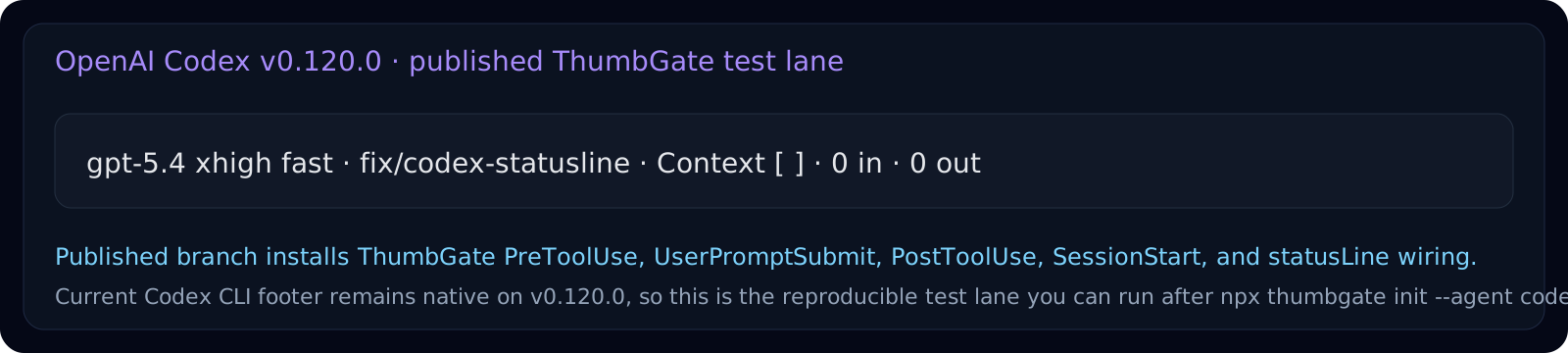
npx thumbgate init --agent codex is the supported self-serve path. It configures MCP, hooks, and the status line without asking the user to understand plugin internals.
Use when available
If Codex shows Plugins, open the directory, clear restrictive filters like Built by OpenAI, install ThumbGate from a marketplace or shared plugin entry, then start a new thread after install.
Use for operators
Download the zip only for security review, offline delivery, or manual marketplace wiring. The user selects the extracted folder, never the compressed file.
Pro only after proof
Use the free Codex path to prove one real caught repeat first. Upgrade to Pro only when you want the personal dashboard, proof-ready exports, and a review surface after that proof exists.
Commercial truth stays inspectable
Pricing, traction guardrails, and what must not be claimed live in the Commercial Truth document, not in launch copy or vibes.
Team motion starts with one workflow
If your buyer already named one repeated workflow failure, one owner, and one approval boundary, route them to the Workflow Hardening Sprint instead of a generic plugin pitch.
What happens when I click thumbs up or thumbs down?
Is the MCP server always on?
It is on when the Codex MCP settings toggle is enabled and the configured command can start successfully. In the Codex app, the blue toggle next to thumbgate is the visible check.
Does bare feedback become a rule?
No. Bare "thumbs down" is intentionally too vague for memory promotion. Add one concrete sentence about what went wrong, the file, command, or behavior to block next time.
Where is the direct asset?
The standalone zip remains available at GitHub Releases. It is for review, offline delivery, and manual marketplace workflows. It is not a double-click Codex Desktop installer.
I searched Plugins for ThumbGate. Why is it missing?
First clear the Built by OpenAI filter. ThumbGate is a local or third-party marketplace plugin, so an OpenAI-only filter hides it. Then confirm the marketplace includes .agents/plugins/marketplace.json and plugins/codex-profile; the default plugins/codex sparse path will miss this repo.